
No products
Proto Shield Plus
BLOG NEWS
 USING A 16x2 LCD DISPLAY WITH THE IoT PROTO SHIELD PLUS
  What does Paolo Aliverti say about the IoT Proto Shield Plus?
  USING AN SSD1306 128x32 OLED DISPLAY (I2C type) WITH THE IoT PROTO SHIELD PLUS
  USING AN SSD1306 128x64 OLED DISPLAY (I2C type) WITH THE IoT PROTO SHIELD PLUS
  I2C Bus on the IoT Proto Shield Plus
 Search on blog
Follow us on facebook
Top sellers
-

Proto Shield Plus STARTER KIT
This kit is the ideal solution for those who want to start to prototype...
69,90 € -

Proto Shield Plus LCD KIT
Prototype with ARDUINO / GENUINO boards without having a lot of wires...
56,00 € -

SMD to breadboard adapter (10 pcs pack)
Easily adapt SMD devices to 2.54mm prototyping breadboards.
3,90 € -

IoT Proto Shield Plus ESP32 STARTER KIT
The IoT Proto Shield Plus is designed to let you easily prototype with...
79,90 €
Proto Shield Plus LCD KIT
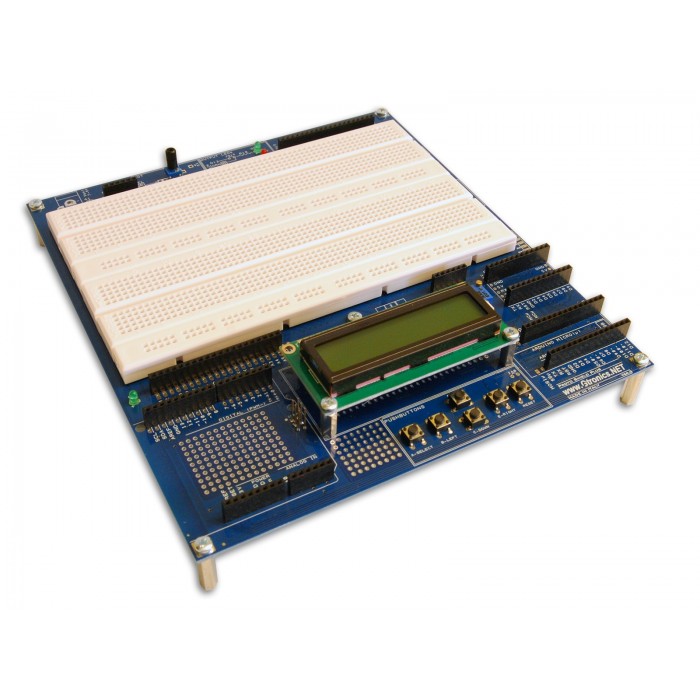
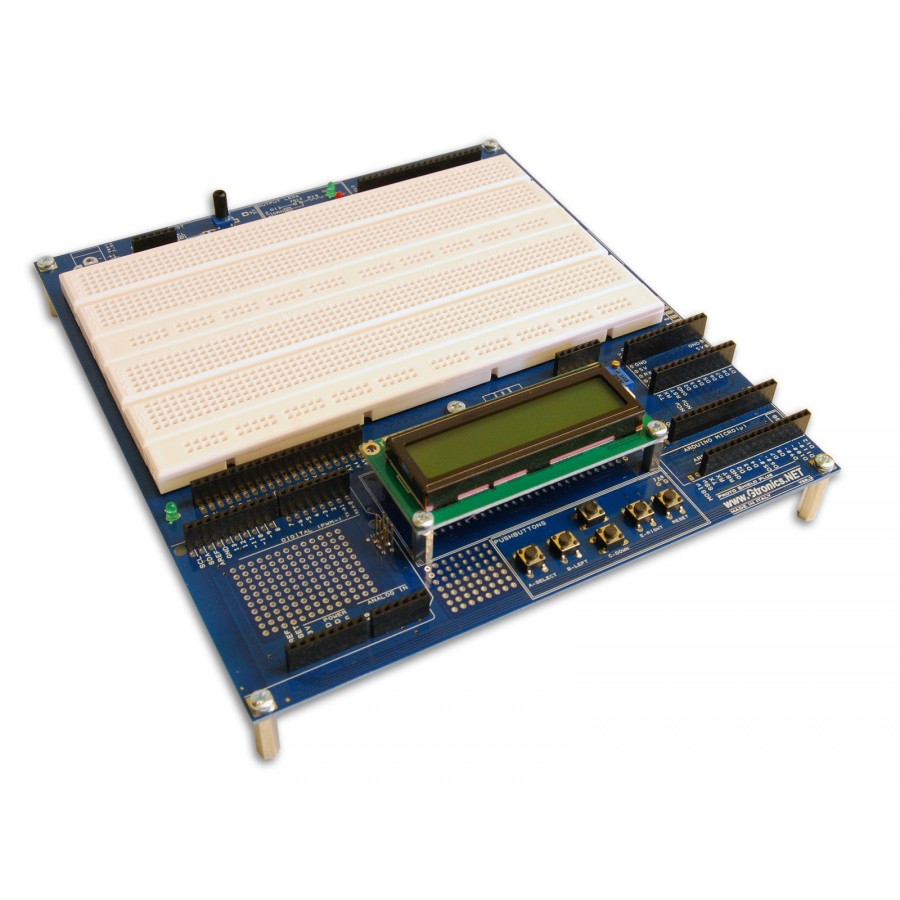

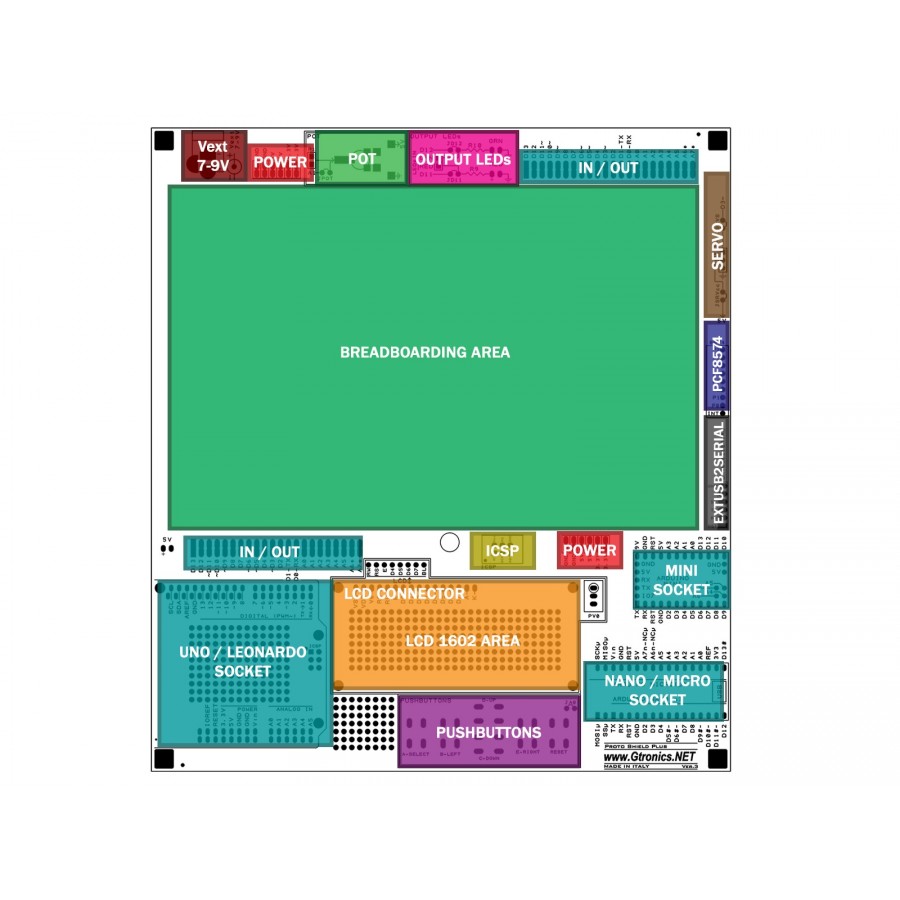
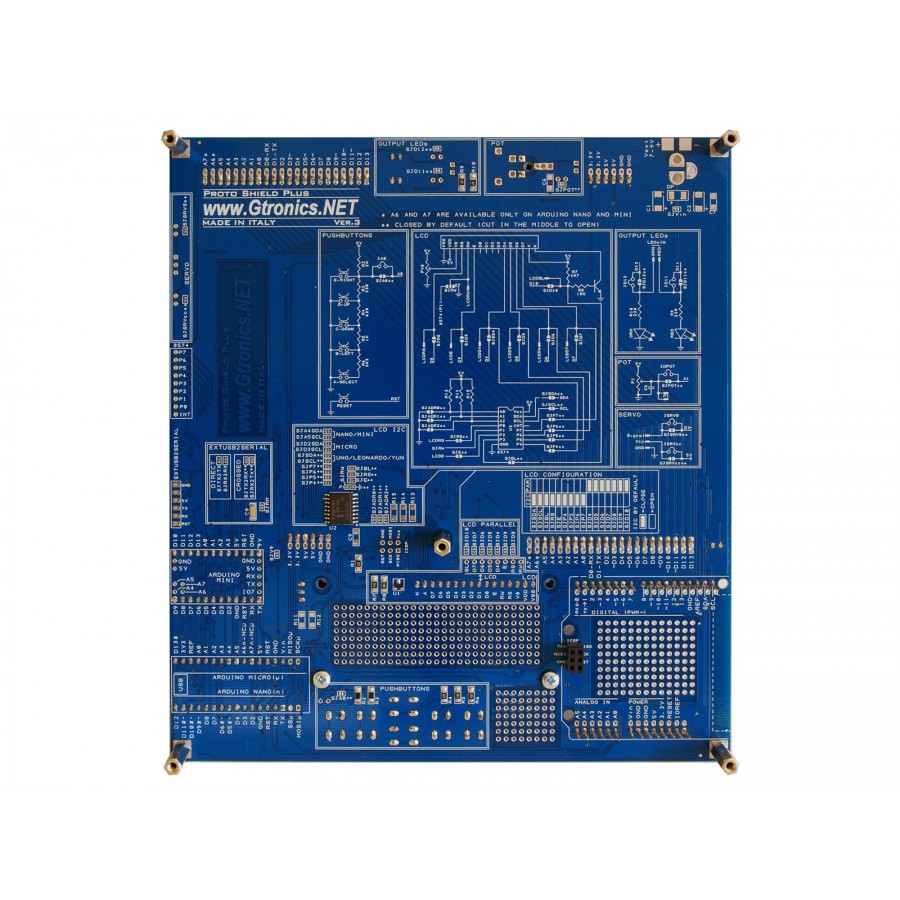
APSPlcd
New product
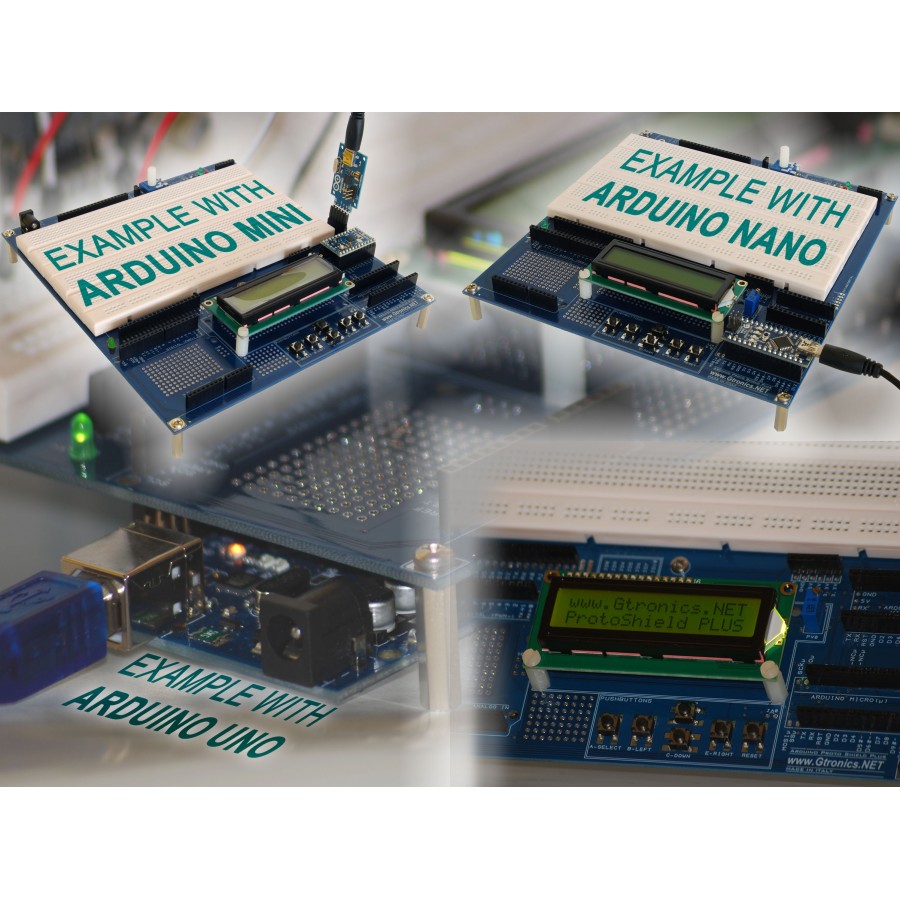
Prototype with ARDUINO / GENUINO boards without having a lot of wires tangled together.
Swapping from UNO / LEONARDO to NANO, MICRO or MINI is fast and easy.
On-board pushbuttons and LCD header make easy to quickly setup an HMI for your testing environment.
This product is no longer in stock
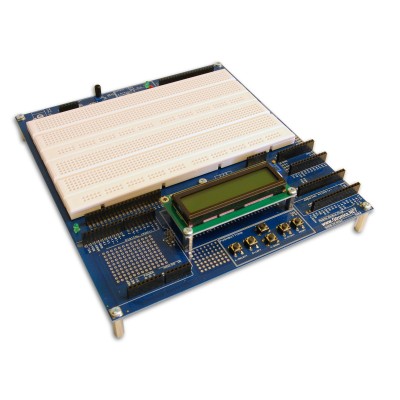
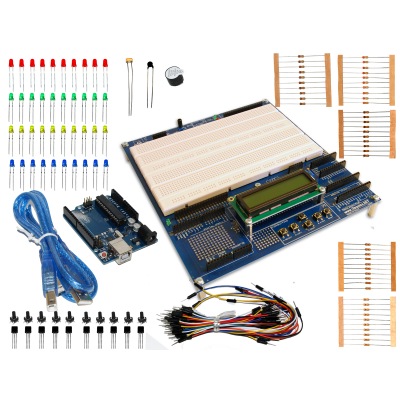
LCD KIT INCLUDES:
- 1x PROTO SHIELD PLUS Board
- 1x LCD Display Module 1602 16x2 with Yellow backlight
TECHNICAL SPECIFICATIONS
- It works with the following ARDUINO / GENUINO boards: UNO, LEONARDO, YÚN, NANO, MICRO, MINI
- Ready to plug LCD 1602 module
- I2C PCF8574 I/O expander provided on-board (drive LCD with just 2 pins)
- 5 Pushbuttons provided on-board
- Reset button, provided on-board
- 2 solderless bread-boarding areas 740 contact points each (total 1480 points)
- More than 400 soldering pads for additional prototyping parts
- IN / OUT / POWER pins duplicated near the bread-boarding area for easy connection
- 2 Output LEDs provided on-board
- 1 potentiometer with knob provided on-board
- Ready for a servo connection
- Ready for an external 7-9VDC power supply
- Ready for an additional ICSP connector to use NANO and MICRO with standard shields
- Additional holes let you to create shields with standard 2.54mm breadboards (see User Manual §15 for details)
- Dimensions in mm: 185x205x30 (HxWxH)
Click here for useful links and more info.

15 other products in the same category:
-
IoT Proto Shield Plus
-
IoT Proto Shield Plus...
-
IoT Proto Shield Plus...
-
Proto Shield Plus BASE...
-
Proto Shield Plus...
-
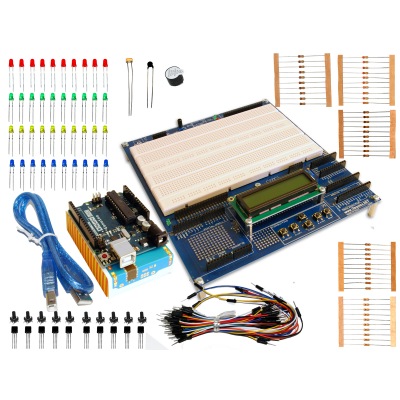
Proto Shield Plus...
-
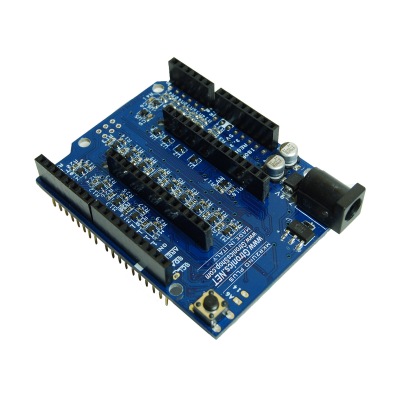
MKR2UNO Plus Shield
-
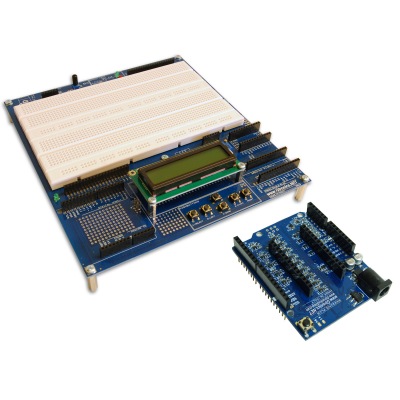
Proto Shield Plus LCD...
-
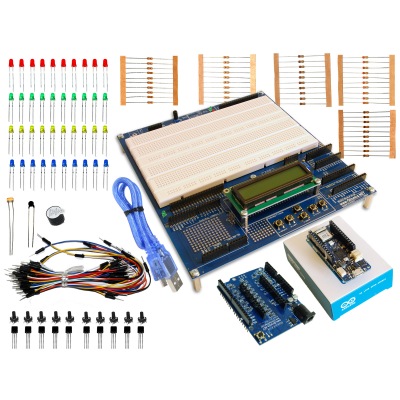
Proto Shield Plus MKR...
-
MKR2UNO Plus Shield...
-
MKR2UNO Plus Shield...
-
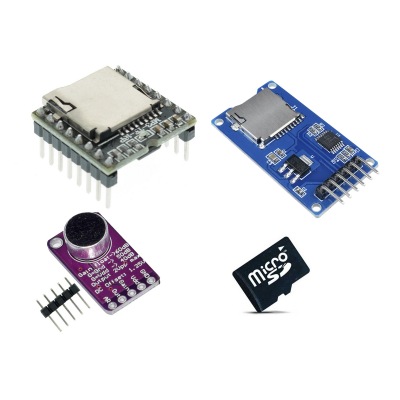
SD CARD and AUDIO KIT
-
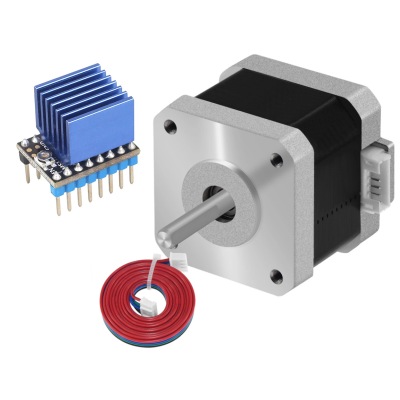
STEPPER MOTOR KIT
-
INVENTOR'S KIT
-
Uno To IoT Proto...
Customers who bought this product also bought:
-
PicProtoBoar...
The 32MX Adapter turns your PicProtoBoard into...
-
PicProtoBoar...
The 8-28 Adapter extends your PicProtoBoard to...
-
PicProtoBoar...
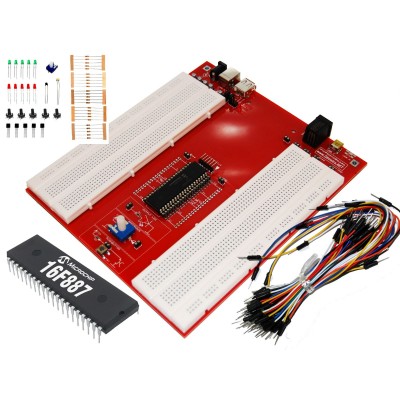
Solderless prototyping board for PIC...
-
SMD to...
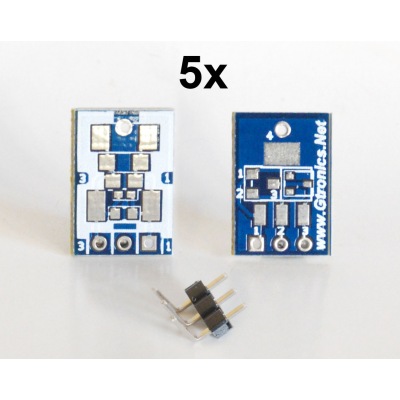
Easily adapt SMD devices to 2.54mm prototyping...
-
STANDARD KIT
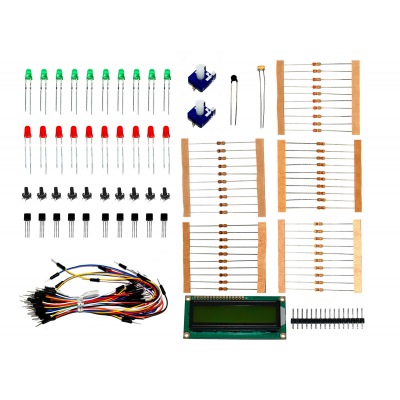
Spare parts to setup your testing environment.
-
PicProtoBoar...
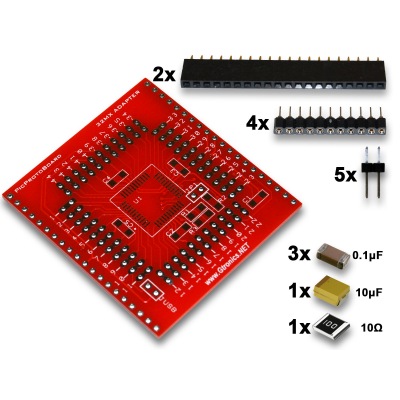
The 32MX Adapter turns your PicProtoBoard into...
-
MKR2UNO Plus...
Use Arduino MKR family boards with Arduino UNO...
-
SD CARD and...
MP3 MINI Player, MAX9814 microphone module,...
-
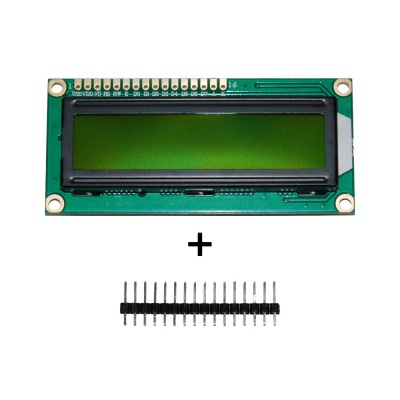
LCD 1602...
Spare parts to setup your testing environment.
-
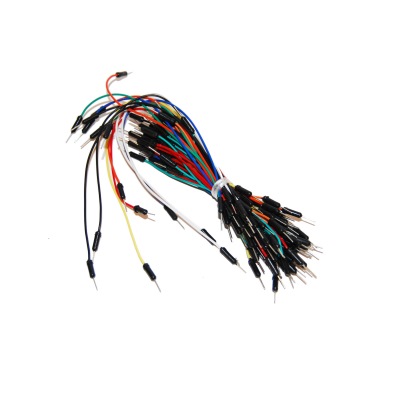
65pcs WIRE KIT
Spare parts to setup your testing environment.
Related articles on blog
-
 Using the MKR2UNO Plus with the PROTO SHIELD Plus
 -
 VISUAL MICRO for ATMEL STUDIO - DEBUGGING YOUR ARDUINO CODE
 -
 VISUAL MICRO for ATMEL STUDIO FEATURES
 -
 INSTALLING VISUAL MICRO for ATMEL STUDIO
 -
 Using Arduino ZERO with the Proto Shield Plus
 -
 The PCF8574 I2C I/O expander of the Proto Shield Plus
 -
 Using additional shields with Arduino NANO and MICRO
 -
 Using additional shields with the Proto Shield Plus
 -
 Prototyping your own shields with 2.54 pitch PCB breadboards
 -
 Powering the Proto Shield Plus with an external power supply
 -
 Using a Servo with the Proto Shield Plus
 -
 The Proto Shield Plus on-board Potentiometer
 -
 The Proto Shield Plus Output LEDs
 -
 Using the Proto Shield Plus pushbuttons with digital inputs
 -
 Using the Proto Shield Plus pushbuttons with analog input
 -
 Using an LCD display with the Proto Shield Plus - Parallel configuration
 -
 Using an LCD display with the Proto Shield Plus - I2C configuration
 -
 Using the Proto Shield Plus with Arduino MINI
 -
 Using the Proto Shield Plus with Arduino UNO, LEONARDO, YÚN, NANO and MICRO
 -
 Dave from EEVBLOG reviews the Proto Shield Plus
 -
 The Proto Shield Plus Board Layout